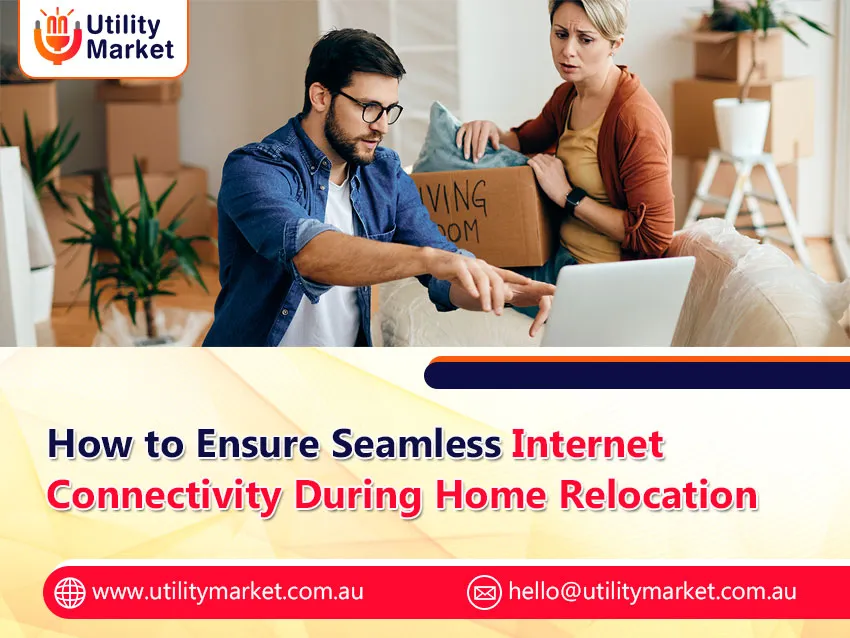
How to Ensure Seamless Internet Connectivity During Home Relocation
Published November 16, 2026
Moving house is definitely a herculean task especially in relation to setting up internet connection. Given that there are many different internet providers and packages available, it is easy to understand why one can easily get confused. In this blog, we provide you with tips on how to make the process of moving house a smooth one.
Before Moving
It is imperative that you carry out research on phone and internet providers in the area you will be moving to. While some broadband providers may not be available in the area you are moving to, others might offer better coverage or prices. Also, consider how much you use the internet and what package would be suitable for you. For example, if you are heavy user of the internet, then you will need an unlimited data package or one that offers higher speed of data. If however, you only use the internet to browse and send emails, then any low data package will do.
Timing of Your Move
Timing of your move is going to be another issue to consider here. Try and arrange your move to happen at least two weeks ahead of time to give yourself enough time for installing both internet and phone connections. This way, you will have enough time to search for providers of internet services, to compare their offers and prices and arrange installation appointment. You should also let your current internet provider know about your upcoming move and arrange disconnecting of your current broadband internet.
Choosing New Provider
When choosing a provider, there are several important things to keep in mind. First of all, price, coverage area, reliability and quality of customer service will play an important role. You also need to check what kind of internet is available in your area – NBN or cable, for example. NBN is much more reliable and fast internet connection, but not everywhere in Australia.
Knowing the Various Types of NBN
In case you are going to sign up for the NBN, then you need to know about the various types of connections available. These include four general types of NBN connections, which include the following:
- fibre to the premises (FTTP)
- fibre to the node (FTTN)
- fibre to the building (FTTB)
- hybrid fibre-coaxial (HFC)
Different connections have different requirements, speed and data caps. You should do some research on these and see what would be more suitable for you.
Think about including the home phone line in your package
In case you also need the home phone line, you may want to include it with your internet package. Services of a home phone line are included in internet plans from most internet providers, which makes them cheaper than when bought separately. In choosing a home phone line service, one should consider the cost of calls and other possible features required.
Arrange for your installation
Once you have chosen a new internet provider, set up an appointment for installing the internet. Most providers would give a window of 4 hours during which the technician would visit your new place to set up your internet. The NBN technician would install the equipment and get your home connected to the NBN network. Book the appointment 2 weeks before moving into your new place to make sure that you get your internet on moving day.
Prepare your new place for the NBN
Make sure that you have the pathway cleared to the NBN box and that there are no barriers in the way when the NBN technician comes to install the internet at your new place. Clear out any obstacles from your way such as furniture.
Get your paperwork sorted
Once you book your installation appointment, the internet service provider may ask for certain information/documents from you. These include your ID, your old address, your new address and your contact information.
After installation – test your connection
Once the NBN technician has installed and configured the internet, you need to test your connection. Test your internet speed as well as ensure that all your devices connect to the network as required. In case of any issues, contact your internet service provider immediately.
Now is the time to configure your Wi-Fi network
Once you have tested your internet connection, now it is time to configure your Wi-Fi network. You need to select your Wi-Fi network name and set a password. Also, set up your router and devices to connect to the network. It is important to select a strong and secure password for your Wi-Fi network to ensure that it does not get accessed by any unauthorized person.
Plug all your devices
Now after configuring your Wi-Fi network name and passwords, it is time to connect all your devices in the new house, which could be:
- desktop and laptops
- smart phones
- tablets
- smart televisions
- wireless speakers
- smart light bulbs
- home watch security cameras
Update billing information
Ensure that you have notified your new address and contact information to your new internet provider. This is necessary for receiving your bills as well as any critical notifications from your internet provider.